Use the SecuLink API to create a link shortener record from your CRM, CMS, or internal portal, generate custom links when your plan allows, apply expiration and password controls when enabled, and return a short URL instantly for emails, ads, landing pages, and messages.
API integrations
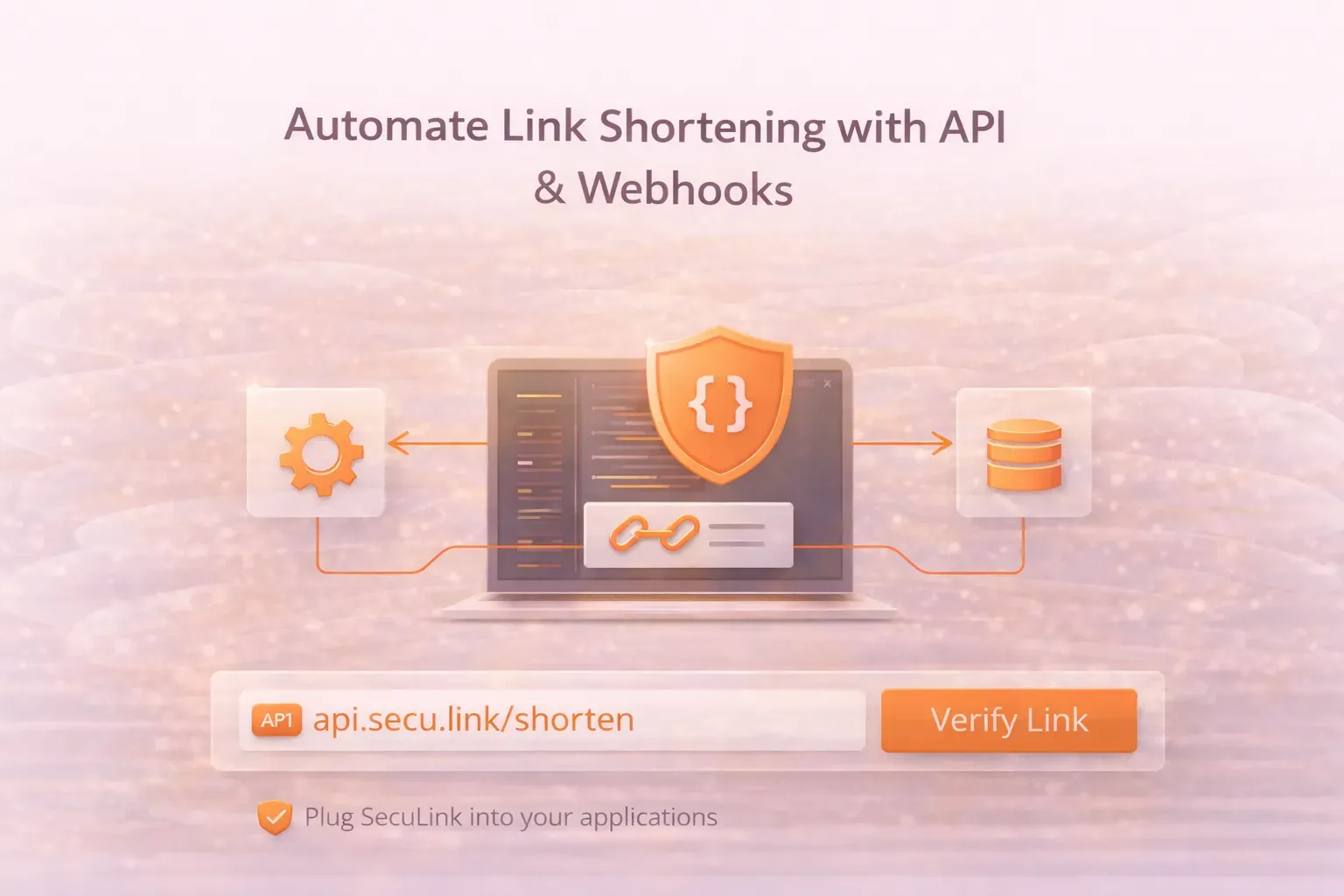
Automate Link Shortening with API & Webhooks
SecuLink integrations help you create, manage, and monitor links automatically, so you can shorten URLs at scale without manual work. With API integrations and webhooks, you can plug SecuLink into your apps, workflows, and internal tools to generate shortened URLs, track performance, and keep URL management consistent across teams.
What SecuLink Integrations Include
Use SecuLink API integrations and webhooks to automate core link actions, capture real-time events, and scale URL workflows across your systems.
Use webhooks to send real-time updates to your systems when link activity happens so you can automate analytics flows, event notifications, reporting, alerts, and internal workflows tied to link performance.
Whether you are running short link campaigns, managing business links, or publishing affiliate links across channels, integrations make it faster to ship, easier to track, and simpler to optimize.
Why Integrations Matter for Campaigns and Teams
Faster campaign execution
Launch campaigns quickly by generating instant links directly inside your workflow, with no copying, pasting, or switching tools.
Consistent URL management
Keep URL management centralized so your team uses the same naming patterns, destinations, and link rules. This reduces mistakes and keeps tracking clean.
Better analytics and monitoring
Connect link creation and performance into your systems for:
- click tracking and link analytics
- usage statistics and performance metrics
- ongoing monitoring tools and automated reporting tools
UTM-friendly links for Google Analytics
Use integrations to create UTM-tagged URLs consistently for Google Analytics reporting and clearer campaign tracking.
Common Integration Use Cases
Common ways teams use SecuLink integrations to ship faster, track performance, and keep link workflows consistent across channels.
Automatically generate short links for ads, banners, online advertising, social posts, landing pages, and promotions, then review results with analytics and click-through rate insights.
Create short links for newsletters and outreach sequences, keep tracking consistent, and improve performance measurement.
Generate cleaner affiliate URLs for content, product pages, and referral campaigns while improving link organization and simplifying performance checks.
Use integrations for internal links, documentation URLs, join links, and customer resources so teams can share consistent, trackable URLs.
How It Works
Connect your system, automate link creation, and receive webhook notifications from live link activity.
1
Connect your system to the SecuLink API
Use your API key to authenticate and start generating short links programmatically.
2
Automate link creation
Create short links, apply settings, and return shortened URLs instantly into your apps.
3
Receive webhooks for activity
Use webhook notifications to trigger workflows, reporting, or alerts based on link events.
FAQ
Yes. SecuLink supports API integrations so you can automate link creation and link management.
Webhooks send real-time updates to your system so you can automate reporting, alerts, and workflows based on link activity.
Yes. Integrations help standardize UTM tagging and enable consistent campaign tracking across channels.
Integrations can support analytics, click tracking, and automated reporting, depending on your implementation and plan.
Yes. You can automate and organize affiliate links and promotional URLs by generating short links from your workflow.
Automation-ready
Connect SecuLink to your workflow
Automate short links, standardize UTM tagging, and route link activity into reporting, alerts, and internal tools from one platform.