Security check
Security Check
Scan a URL for known threats before you open it.
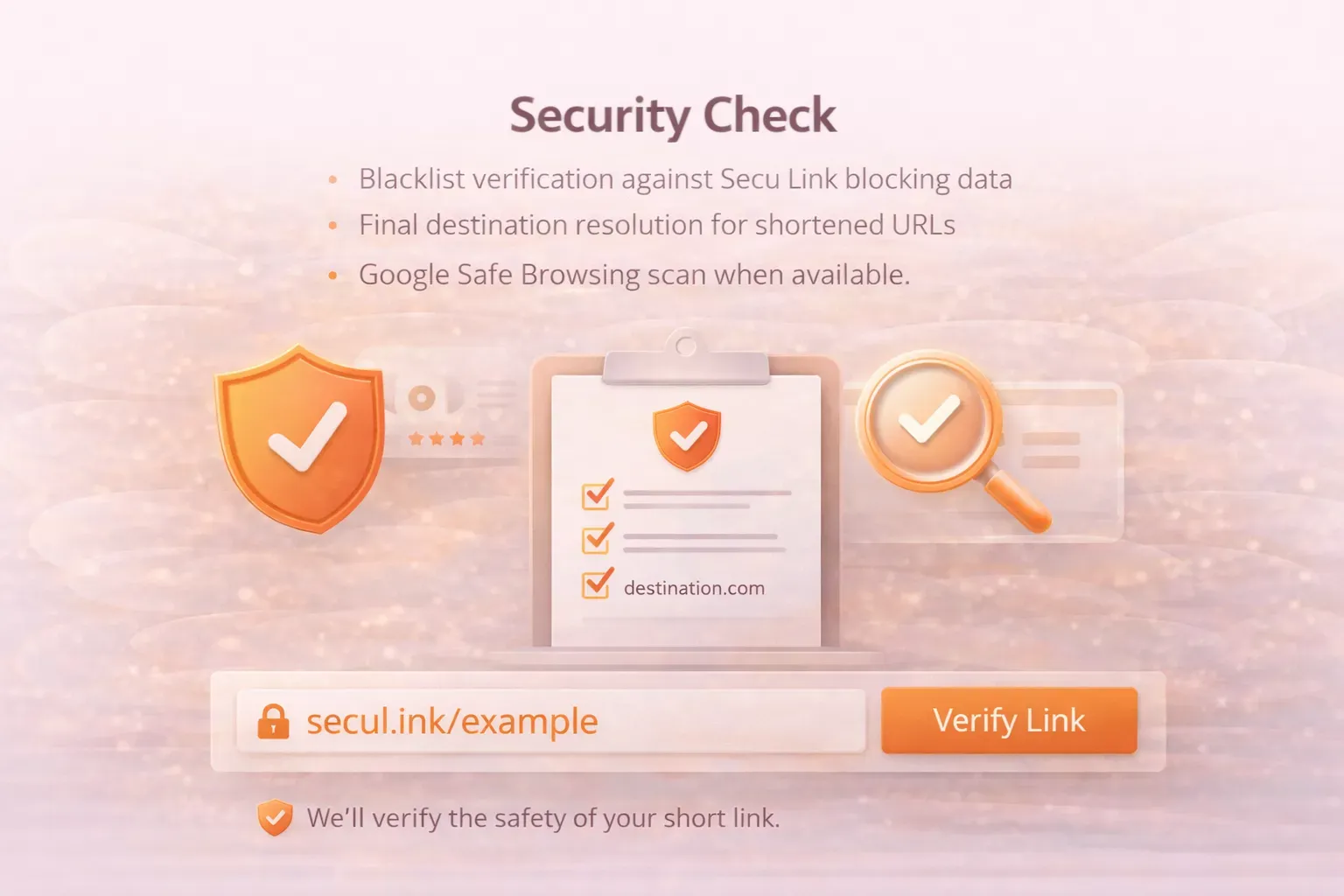
Check a destination URL
Resolve short links, check blacklist status, and run a Safe Browsing scan before you click.
Scanning...
This may take a few seconds.
What this check covers
- Blacklist verification against Secu Link blocking data.
- Final destination resolution for shortened URLs.
- Google Safe Browsing scan when available.
FAQs
Security Check is a tool that scans a short or long URL to help identify potential risks before you click.
Yes. You can scan shortened URLs directly, and you can also use Unshorten to reveal the destination first.
No tool can guarantee perfect safety. Security Check provides risk signals to help you make an informed decision.
Avoid clicking the link, verify it with Unshorten, and use Report Malicious if it looks harmful or deceptive.
Yes. It is especially helpful for links shared on LinkedIn, Instagram, YouTube, Reddit, and other social platforms.
Yes. Businesses can use it to verify business links before sharing them with customers or teams.
SecuLink focuses on data privacy. Any logging is limited and intended for safety, abuse prevention, and service improvement.
Unshorten reveals the destination URL. Security Check evaluates the link for safety and suspicious indicators.
Yes. If you share affiliate links, this tool helps confirm the destination looks legitimate and safe for your audience.
Some URLs do not provide enough signals for a strong result. In that case, use Unshorten, verify the domain carefully, and avoid clicking if you are unsure.